
Japan eSIM Explained — One QR Scan for 5GB/5 Days at ¥1,980, the Lowest-Priced eSIM for Japan
Welcome — this Japan eSIM guide comes from GO!GO!TOUR, the English-friendly booking platform for Japan travel. In short, an eSIM is the fastest way to get connected the moment you land.
The single most confusing part of planning a Japan trip is figuring out mobile data. For instance, pocket Wi-Fi routers mean daily charging and a queue at the airport counter to return them. Meanwhile, physical SIM cards mean prying open the tray and losing your home number. Carrier roaming quietly bills you $10–15 a day. The cheapest and easiest choice is one thing: an eSIM.
This guide walks English-speaking travelers through Japan eSIMs — why they win, how to pick one, and how to install it. We’ll also explain why our own GO!GO!TOUR eSIM — ¥1,980 for 5GB/5 days, the lowest price we’ve seen — makes sense for most short trips.
This guide is written for first-time visitors to Japan or first-time eSIM users. You’ll find pricing comparisons, iPhone/Android setup steps, and every FAQ we usually get — all in one page.
The official comparison from the site: ¥1,980 for 5GB/5 days — compared to competitor A (¥2,060) and competitor B (¥2,210). Same 5G/4G LTE speeds, same instant activation, but genuinely cheaper.
eSIM vs. Pocket Wi-Fi vs. Physical SIM — Which Wins?
You’ve got three real options for staying connected in Japan. Here’s how they actually stack up in the real world.
| Item | Pocket Wi-Fi | Physical SIM | eSIM |
|---|---|---|---|
| 4–5 day cost | ~$25–40 | ~$15–30 | ¥1,980 (~$13) |
| Getting it | Airport counter, must be returned | Courier or airport pickup, swap the tray | Emailed QR — instant |
| Extra device to carry | Yes (daily charge) | No | No |
| Keep home number active | Yes (phone unchanged) | Remove and store your original SIM | Dual-SIM — texts, iMessage, WhatsApp all work |
| Battery drain | Phone + Wi-Fi router | Phone only | Phone only |
| After the trip | Return it (fee if lost) | Toss the SIM | Auto-expires — nothing to do |
For solo or two-person travelers, eSIM wins on almost every measure. The critical one: “my home number keeps working”. Bank two-factor codes, iMessage from friends, work Slack notifications, ride-share apps back home — all keep flowing while you’re browsing Google Maps on your Japan eSIM.
6 Reasons GO!GO!TOUR eSIM Makes Sense
Here’s why GO!GO!TOUR eSIM is a solid pick if you’re heading to Japan:
- Built by a Japan travel platform, not just an eSIM reseller. GO!GO!TOUR handles rental cars, marine activities, golf, and travel guides for Japan. eSIM is one piece of a larger travel toolkit — book your rental car and your data on the same site.
- Lowest-price commitment + instant activation. ¥1,980 for 5GB/5 days — publicly compared against Competitor A (¥2,060) and B (¥2,210). Scan the emailed QR and you’re on. No courier waits, no airport counter queue.
- Micro-plans for short trips. 500MB for 4 or 6 days is a real option — perfect if you’ll only use Google Maps and messaging. Weekend hops don’t need 10GB.
- Not just Japan — global coverage. The site’s “Supported Countries” menu covers travel eSIMs worldwide. Next trip to Thailand or Vietnam? Same account, same interface.
- First-timer support built in. Dedicated iOS/Android install guides, device compatibility checker, order lookup, FAQ, plus phone and email support. If eSIM is new to you, the docs walk you through it.
- 5 languages + coupon codes. The site runs in English, Korean, Japanese, Traditional Chinese, and Thai. Checkout has a coupon field if you have a code.
Does Your Phone Support eSIM? — 30-Second Check
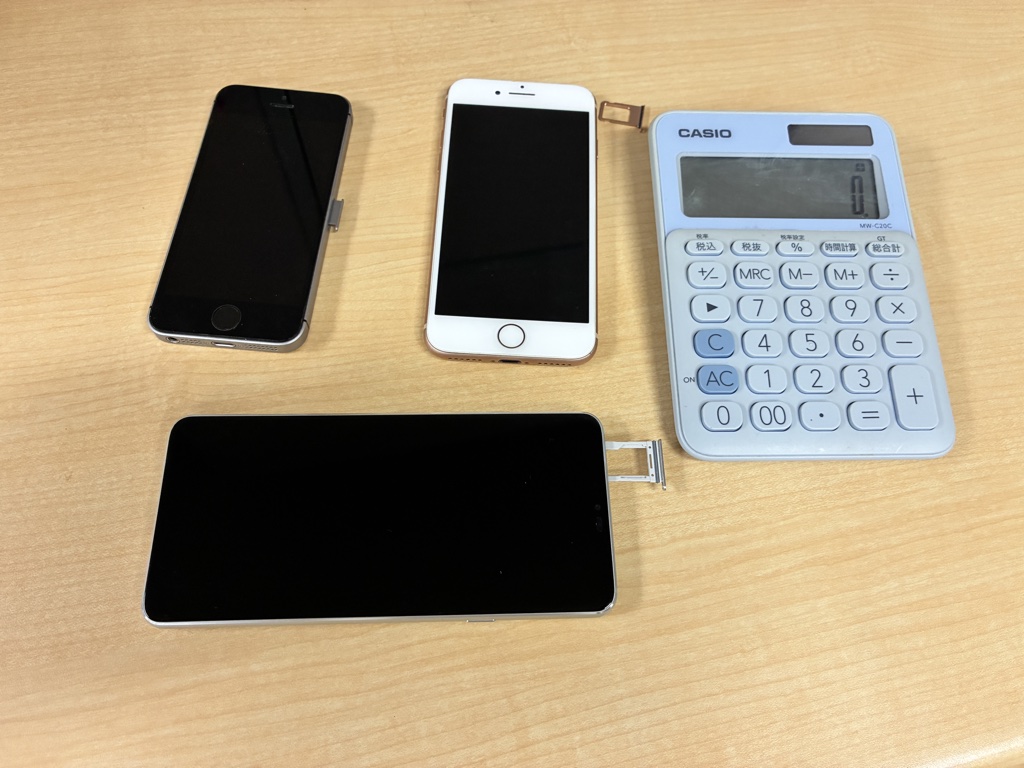
Two things to check before you buy: Is your phone eSIM-capable? And is it carrier-unlocked?
| Brand | Compatible models |
|---|---|
| Apple iPhone | iPhone XS / XR and newer — 11, 12, 13, 14, 15, 16, SE 2nd/3rd gen |
| Samsung Galaxy | S20 and newer, Z Fold 2+, Z Flip 3+, Note 20+ |
| Google Pixel | Pixel 4 and newer (4, 4a 5G, 5, 6, 7, 8, 9 series) |
| Others | Recent Sony Xperia flagships, some Huawei P series, Oppo Find, etc. |
How to verify in 30 seconds:
- iPhone: Settings → General → About→ scroll down → look for “Available SIMs” or “EID.” If you see an EID, you’re eSIM-ready.
- Android: Settings → Connections/Network → SIM Manager → if you see “Add eSIM,” you’re set.
Unlocked status matters too. If you bought your phone directly from Apple/Google, or via SIM-free financing (T-Mobile paid off, Verizon 60+ days), you’re almost certainly unlocked. If you’re on an active US carrier contract or bought subsidized, double-check.
Installing Your Japan eSIM — 4 Steps, 10 Minutes
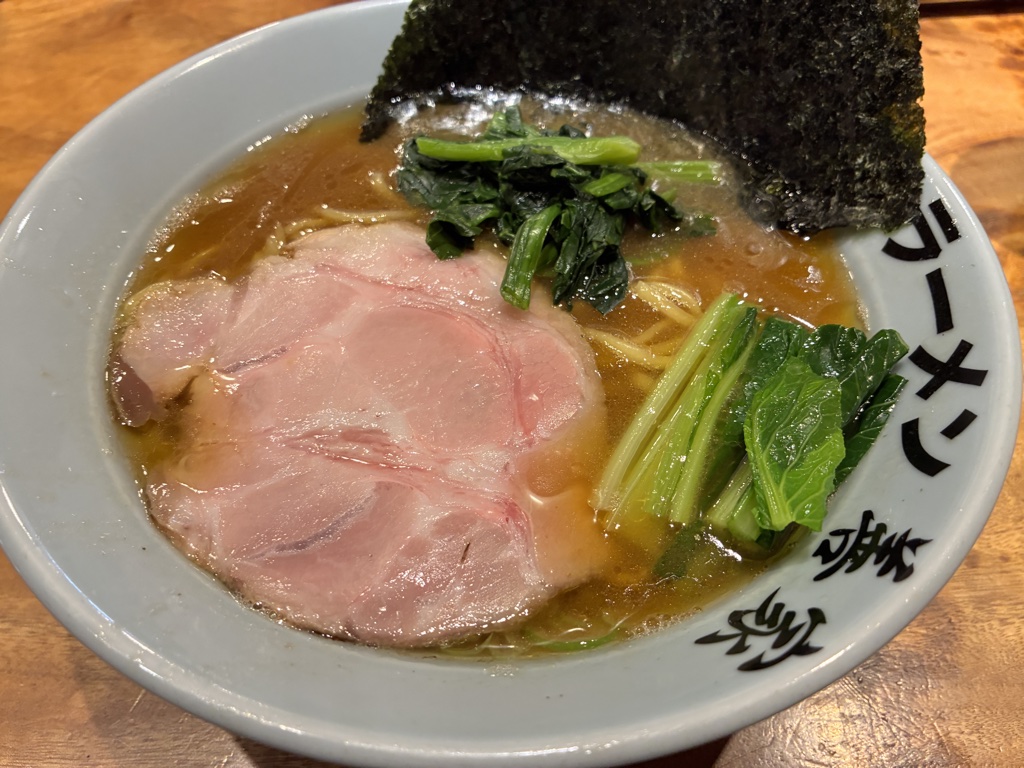
All you need: your phone and a Wi-Fi connection at home. No app to download.
- Confirm your phone supports eSIM (see table above).
- Order online — pick a Japan plan on GO!GO!TOUR eSIM, pay, and your QR code + setup guide land in your inbox within minutes.
- Scan the QR code and install the profile — display the QR on a laptop or another phone, then scan with your phone’s camera.
iPhone: Settings → Cellular → Add eSIM → Use QR Code
Android (Samsung): Settings → Connections → SIM Manager → Add eSIM → Scan QR
Takes about a minute. Label it “Japan Trip” so you can find it later. - Activate on arrival in Japan — once you land, switch your default cellular line to the eSIM and turn on data roaming for it. Keep your home SIM on “voice only” so texts, iMessage, and 2FA codes still arrive.
Golden rule: install the profile at home on Wi-Fi, but don’t activate until you arrive in Japan. This way your plan clock only starts once you’re actually in-country, and you can turn on data the moment you walk off the plane.
Which Plan Should I Pick? — Data Guide by Trip Length
Here’s a practical sizing guide, calibrated to Google Maps + messaging + a normal amount of Instagram scrolling.
| Trip length | Light user (Maps + WhatsApp) |
Normal tourist (Maps + social + photo backup) |
Heavy user (Streaming + video calls) |
|---|---|---|---|
| 2–3 days (weekend) | 500MB–1GB | 3GB | 5GB |
| 4–5 days (typical trip) | 1GB–3GB | 5GB — the sweet spot (¥1,980) | 10GB |
| 6–7 days (longer stay) | 3GB–5GB | 10GB | 15GB |
| 8+ days (extended) | 10GB | 15GB | 20GB+ |
The 5GB/5 days at ¥1,980 plan is the sweet spot for the average traveler. If you’re only navigating and messaging, the 500MB/4 or 6 days options come in at a couple of dollars.
Streaming YouTube or backing up iCloud photos automatically? Size up. Running out of data mid-trip is far more painful than buying slightly more than you need.
Real Situations Where a Japan eSIM Pays for Itself
“My hotel has Wi-Fi, I’ll manage” is a common thought — until you’re actually walking around Tokyo and realize how much your day depends on being online.

Live navigation. Shinjuku Station has over 200 exits. Dotonbori is a maze of neon and side alleys. Without live Google Maps, “getting back to your hotel” becomes a stressful puzzle. With an eSIM, it’s a 2-tap solution.
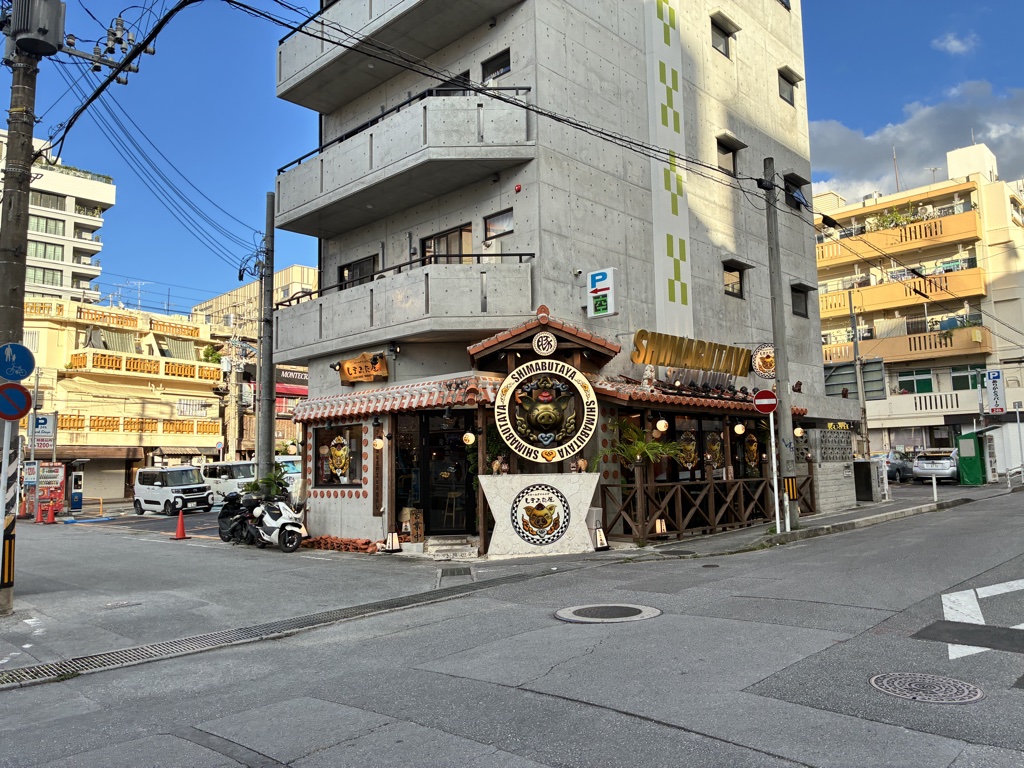
Real-time menu translation. Most izakaya and ramen shops have Japanese-only menus with hand-written kanji. Point Google Translate at the page and it overlays English on the image. However, it doesn’t work offline.
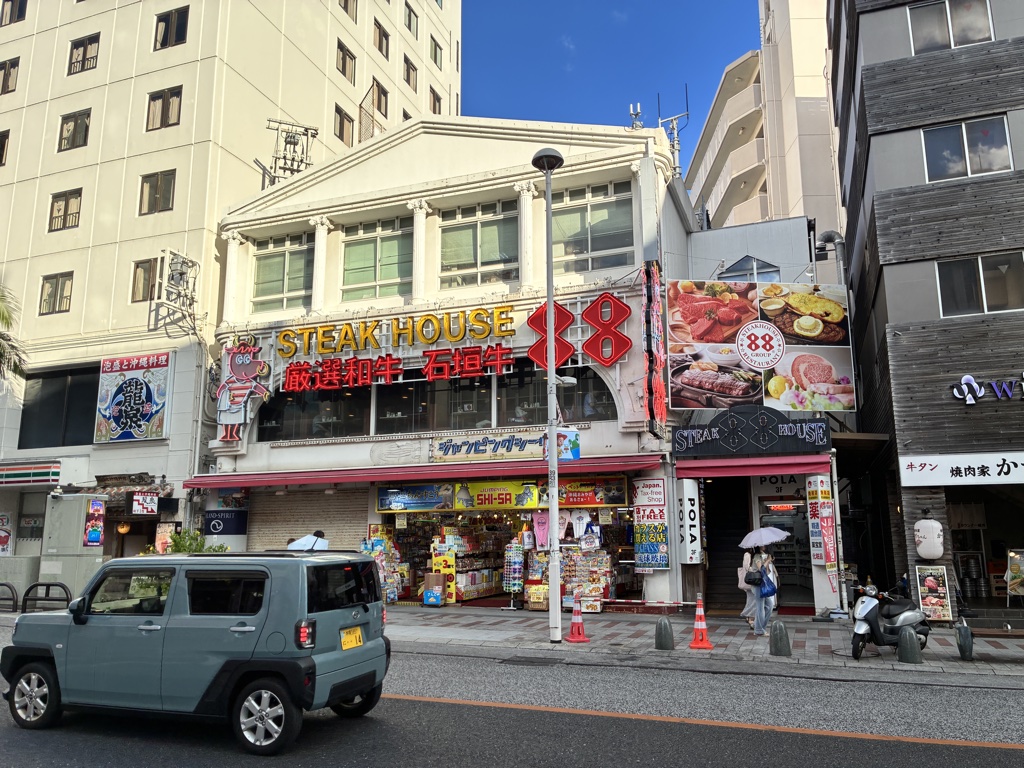
Instant photo sharing. The cherry blossom shot, the perfect matcha latte, the neon Shibuya crossing — half the point of the trip is sharing those moments as they happen, not batch-uploading from the hotel at midnight.
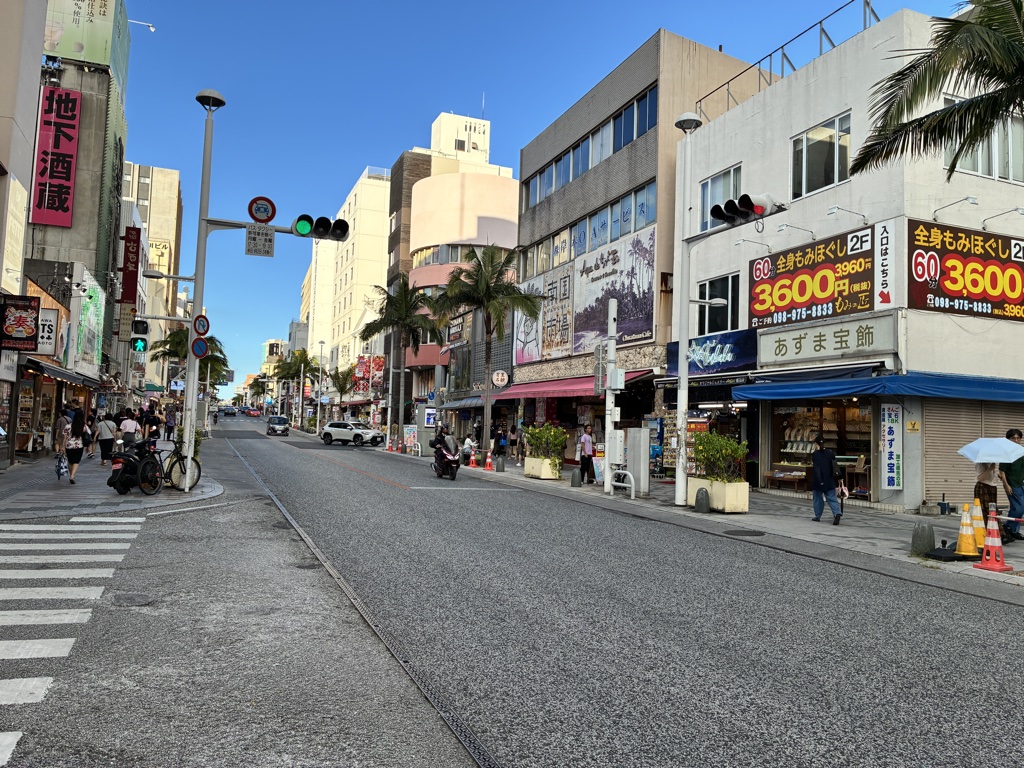
Transit lookups. Japan’s rail network is legendary but complex. Apps like Google Maps, Navitime, and Japan Transit Planner tell you the exact platform and next departure. Without live data, you’re squinting at station signs and guessing.
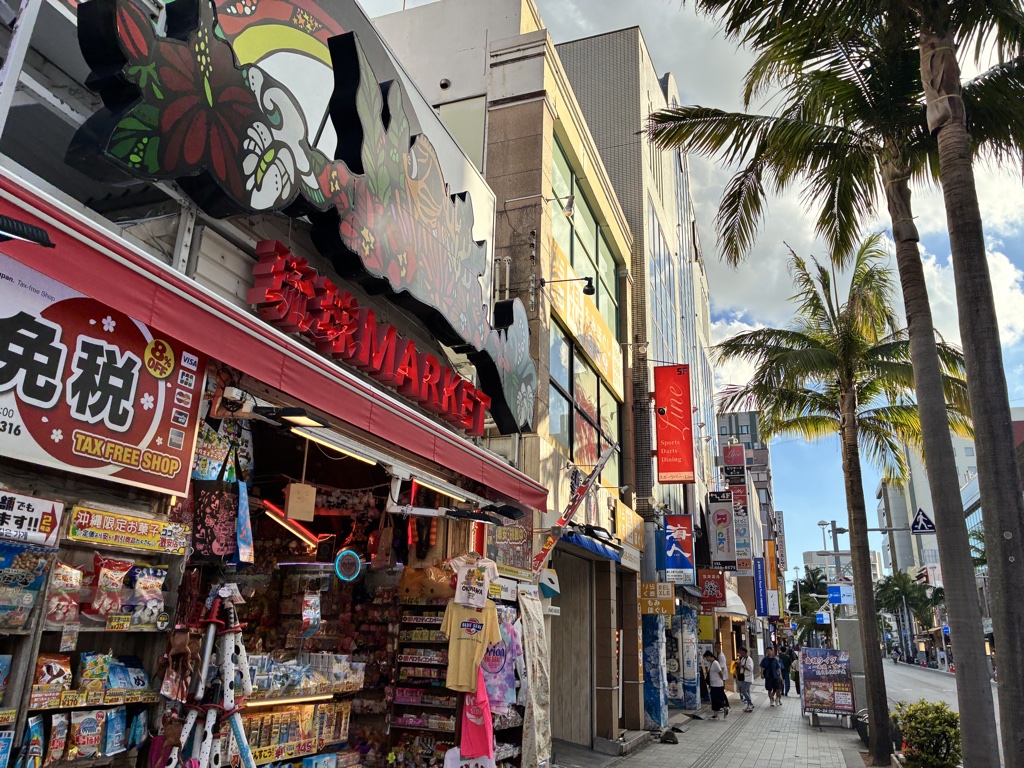
Staying in touch with home. Video-call your kids from the top of Tokyo Tower. FaceTime a friend from Fushimi Inari. Because your home SIM stays active, iMessage, WhatsApp, and Slack all continue to work normally.
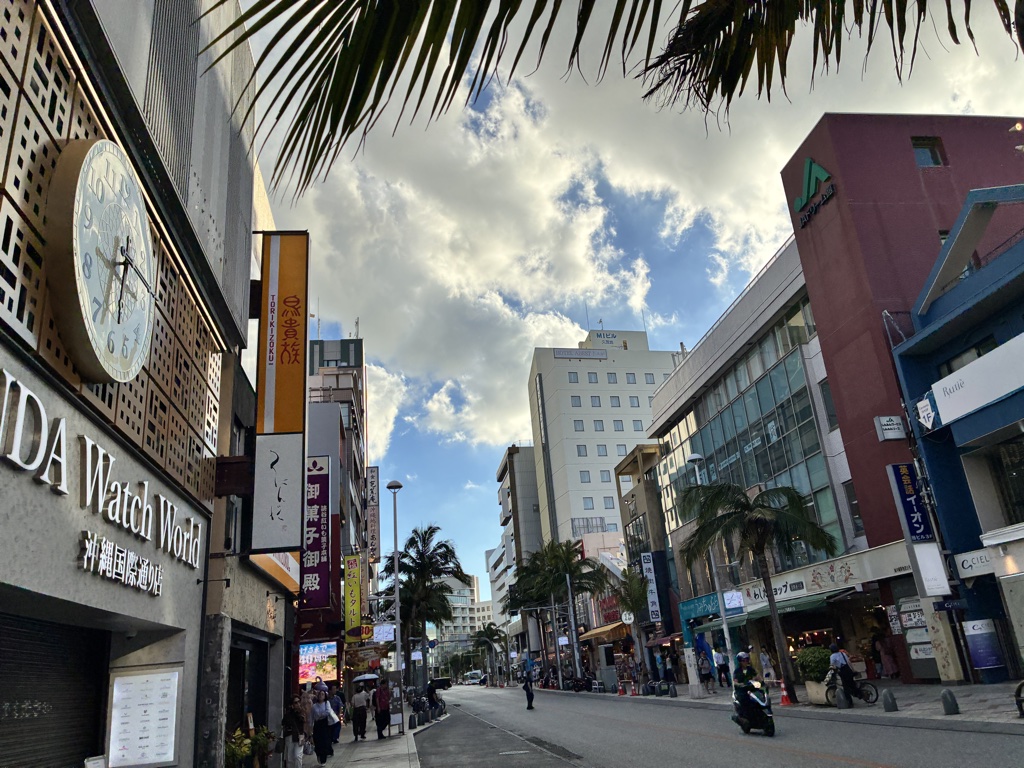
Restaurant hunting. Tabelog, Google reviews, YouTube food vlogs — you’ll want all of them when deciding “which of these five ramen shops is worth the queue right now?”
Japan eSIM FAQ
The questions we get most often:
Getting Started: The Basics
Q1. eSIM or pocket Wi-Fi — which is better?
Solo or two travelers? eSIM, every time. It’s cheaper, no extra device to carry, and your home number stays alive. Families of 3+ who stay together all day could consider pocket Wi-Fi, but the moment you split up (one wants shopping, the other wants a museum), only eSIM users have data.
Q2. Can I buy it before I leave home?
Yes — and you should. Order at GO!GO!TOUR eSIM, install the profile on home Wi-Fi, and activate the second you land in Japan. Stress-free.
Q3. Will my regular phone number still work in Japan?
Yes. Modern phones (iPhone XS+, Galaxy S20+, Pixel 4+) support Dual SIM — your home SIM stays active for calls, texts, iMessage, and 2FA codes, while your Japan eSIM handles data.
Q4. Can I hotspot to my laptop or tablet?
Depends on the plan. Check for a “tethering allowed” note on the plan page. If in doubt, message support before buying.
Compatibility & Technical Questions
Q5. Which network does GO!GO!TOUR eSIM use?
Partnerships with major Japanese carriers, so you get 5G / 4G LTE on the same network as domestic subscribers. Typical real-world speeds in Tokyo, Osaka, and Okinawa hit 100+ Mbps.
Q6. Can I install the eSIM without internet?
No — installation itself needs an internet connection, which is why “install at home on Wi-Fi” is the right sequence. In other words, activation on arrival in Japan works without existing internet.
Q7. What if I accidentally delete the profile?
Don’t delete the profile — QR codes are usually single-use, so you’d need a reissue. If something goes wrong, contact support before doing anything else.
Q8. When does my plan actually start?
The clock starts on first successful data connection, not at purchase. That’s why you can buy a week in advance and only activate on arrival.
Q9. Do I need to remove the eSIM after my trip?
No. It auto-expires and won’t charge you anything more. Leave the profile in place, and in short, your next Japan trip just needs a new plan added to the same profile.
Coverage & Special Cases
Q10. Does it work in Okinawa, Hokkaido, and rural areas?
Yes — nationwide Japanese carrier coverage, including Hokkaido winter destinations and Okinawa’s outer islands (Ishigaki, Miyako). Same coverage map as any domestic carrier.
Q11. Can my family share one eSIM?
No — an eSIM is bound to one specific device. Each family member needs their own. That said, the total often still beats one pocket Wi-Fi router.
Q12. How does it compare to my US carrier’s international plan?
Way cheaper. T-Mobile Magenta and Verizon TravelPass are $10–15/day; that’s $60+ for a 5-day trip. In comparison, GO!GO!TOUR eSIM’s 5GB/5 days runs about $13. The only advantage of carrier roaming is “no setup” — but scanning a QR code isn’t exactly hard.
Q13. What about iPhone 14/15/16 US models with no SIM tray?
Perfect fit — those iPhones are eSIM-only anyway. GO!GO!TOUR eSIM installs the same way as any other eSIM.
Book Your eSIM + Rental Car + Activities in One Place
eSIM is just the first item on your Japan checklist. If you’re heading to Okinawa, Kyushu, or Hokkaido where a rental car is essentially mandatory, you can book everything on the same GO!GO!TOUR platform in English.
- Japan eSIM — order before you leave, activate on arrival
- Okinawa rental cars — GO!GO!TOUR Okinawa, English booking, Naha Airport pickup
- Okinawa marine activities — GO!GO!TOUR Activities, snorkeling, diving, SUP
- Japan travel intel — GO!GO!TOUR Travel Guide, food, sights, beach guides
Pre-Departure Checklist
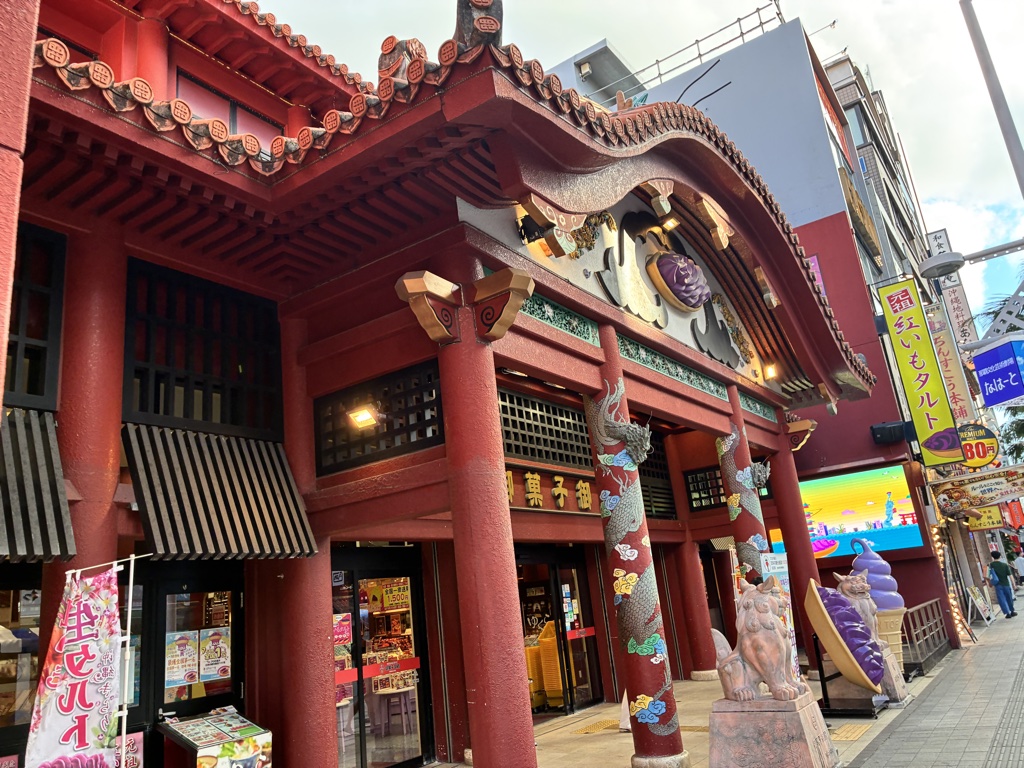
- ✅ Confirm your phone is eSIM-compatible and carrier-unlocked
- ✅ Order your GO!GO!TOUR eSIM plan at least 24 hours before departure
- ✅ Install the profile on your home Wi-Fi (label it “Japan Trip” — do not delete)
- ✅ Save the activation email in case of a phone reset
- ✅ On landing in Japan, set your default cellular line to the eSIM; keep your home SIM on “voice only”
- ✅ Turn on “data roaming” on the eSIM profile (no extra fee — it’s a technical requirement)
- ✅ Verify you have internet within 5 minutes of landing → restart if needed → contact support if it persists
Wrap-Up — Your Japan Trip, One QR Scan Away from Being Online
The best parts of Japan happen off-script: the alley you turn into that reveals a jazz bar, the last-minute decision to take a train two hours out to see a temple in the rain, the moment you point Google Translate at a handwritten menu and finally figure out what “お通し” means. Every one of those moments needs reliable, cheap, hassle-free mobile data.
GO!GO!TOUR eSIM is the answer. Install at home, activate on arrival, auto-expire after the trip. ¥1,980 for 5GB/5 days — the lowest-priced Japan eSIM we’ve found.
No pocket Wi-Fi to return, no SIM to swap, no “wait why isn’t my data working?” moments at the airport. Check GO!GO!TOUR eSIM plans now →

One-Stop Japan Booking · GO!GO!TOUR
From mobile data to rental cars and marine activities — all bookable in English on the same site, backed by real customer support.
- 📱 Japan eSIM data — Instant QR activation, ¥1,980 for 5GB/5 days
- 🚗 Okinawa rental cars — English booking, Naha Airport pickup, child seats & ETC
- 🐠 Okinawa marine activities — Snorkeling, diving, SUP, parasailing
- 🍴 Japan travel info — Food, sights, beach & seasonal guides
One brand, one site — plan your Japan trip in one place.